
For the ideal home theater setup, you should sit about 8.9 feet away from an 80-inch screen and approximately 15.6 feet from a 140-inch one. THX guidelines suggest a viewing angle of 40 degrees for standard content or 50 degrees for wider formats—think of it as the sweet spot where comfort meets clarity. Position your screen around 20 inches above the ground for the best eye level, and make certain you’ve got a direct line of sight for everyone. Curious about how to tweak that viewing angle further?
Key Highlights
- For an 80-inch screen, sit approximately 8.9 feet away for optimal viewing experience.
- Maintain a 40-degree horizontal viewing angle for 16:9 content to enhance picture quality.
- Position the bottom of the screen about 20 inches above the floor for ideal vertical alignment.
- Aim for a 40° field of view for cinematic immersion, adjusting screen size based on viewing distance.
- Ensure adequate spacing of 4 to 7 feet between rows in multiple seating arrangements for comfort.
Recommended Distances for Various Screen Sizes
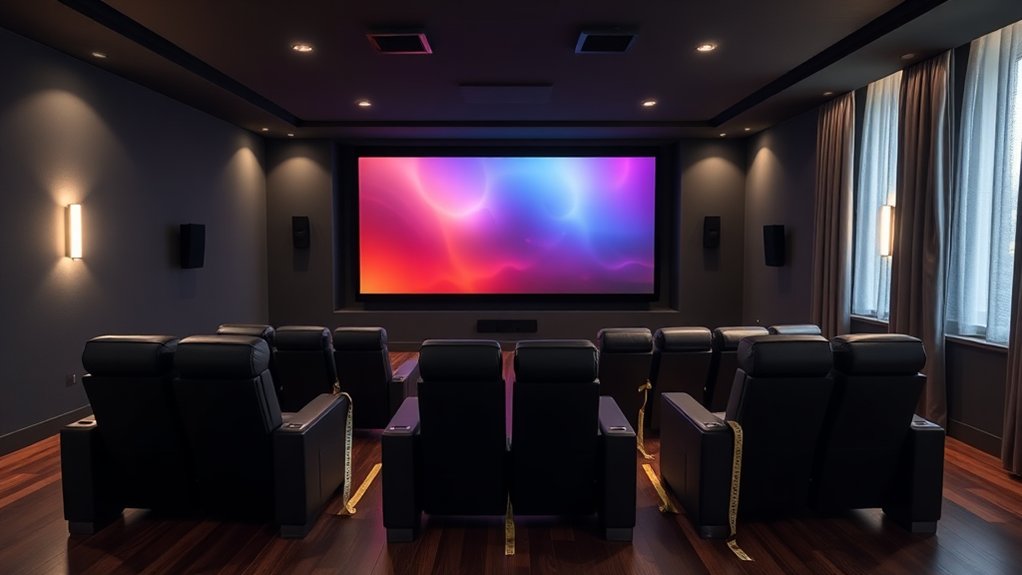
When setting up your ideal home theater, understanding the recommended viewing distances for various screen sizes can greatly improve your movie-watching experience.
For an 80-inch screen, you’ll want to sit about 8.9 feet away—that’s like being at a comfy coffee shop distance from your friend. If you’re going for a 90-inch screen, aim for around 10.1 feet, ensuring you’re fully immersed without straining your eyes. The recommended viewing distance is largely dependent on the field of view you desire.
For a bigger 100-inch screen, 11.2 feet strikes the perfect balance of detail without overwhelming you. As you go larger, like a 120-inch screen at 13.4 feet or a massive 140-inch one at 15.6 feet, keep in mind that too much distance can lead to pixelation—definitely not what you want during an epic scene, right? Also, remember that projecting from short-throw projectors in smaller rooms can help achieve larger screen sizes without compromising image quality.
THX Guidelines for Comfortable Viewing Angles
To guarantee you get the most out of your home theater experience, it’s crucial to think about not only the distance from the screen but as well the viewing angles you’ll be facing.
THX recommends an ideal horizontal viewing angle of around 40 degrees for most 16:9 content, whereas wider formats, like 2.35:1, deserve a 50-degree angle for that cinematic immersion. Recommended viewing angle for the back row is 36 degrees, ensuring a comfortable experience even from a distance. Anything below 28 degrees? Well, that’s like trying to enjoy a concert from the parking lot! You should ideally sit about 2.4 times the screen height away to capture the best picture without distortion. Comfort and enjoyment should be prioritized when determining your personal viewing distance, enhancing your overall experience.
For optimal viewing, aim for a 40-degree angle with 16:9 content and 50 degrees for a truly immersive widescreen experience.
Keeping these angles in mind makes your viewing isn’t just a visual feast but additionally comfortable—because who wants a stiff neck during movie night?
Vertical Screen Placement Considerations
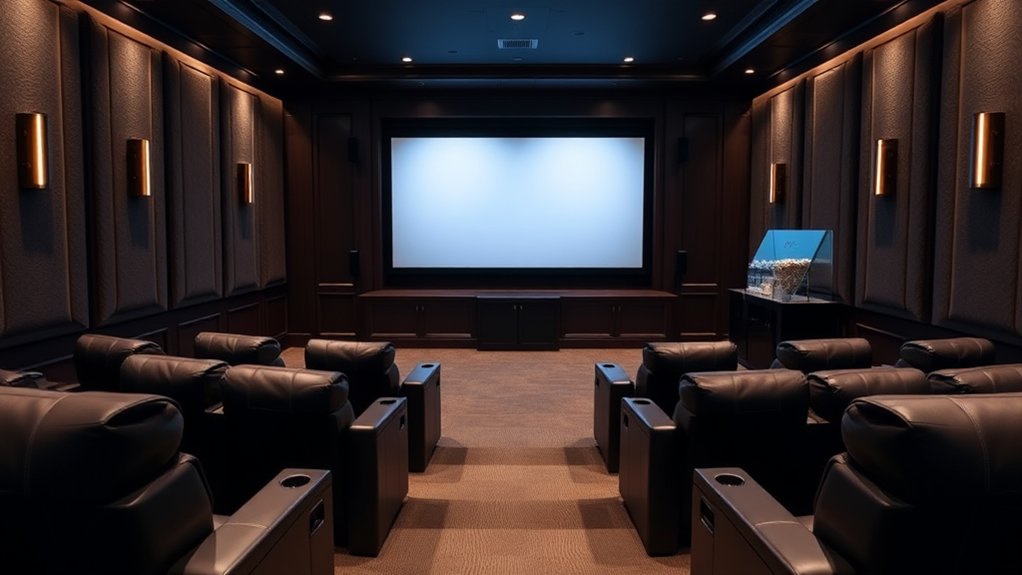
Ensuring you have the right viewing angles is vital for that immersive experience; screen placement is just as important for comfort and clarity. You should position the bottom of your screen about 20 inches above the floor, so the viewer’s eye level aligns one-third up from the bottom.
For a 120-inch diagonal screen, that’s significant—nobody wants to strain their neck staring at an awkward angle, right? Ideally, the middle of the screen should be around eye level to reduce fatigue during those marathon movie nights.
Remember to factor in room specifics, like seating height and speaker placement, as you avoid direct light on the screen to minimize glare. After all, your home theater deserves the best visuals—no one likes squinting! Additionally, proper projector mounting position contributes significantly to achieving an optimal viewing experience.
Screen Size and Viewing Distance Ratio
Finding the ideal screen size in relation to your viewing distance is a game-changer for creating that perfect home theater experience. Aim for a 40° field of view for cinematic immersion, which means your screen size should roughly equal your viewing distance multiplied by 0.835.
For mixed-use, consider a 30° FOV, using the multiplier of 0.65 instead. To put it in perspective, if you sit 7 feet away, you’d want a 70-inch screen for immersion or a 55-inch for mixed use—both quite enticing, right?
Furthermore, your screen width should be about 1/3 to 1/2 of your viewing distance, ensuring comfort as you bask in cinematic glory.
In the end, testing sizes on your wall helps find your sweet spot!
Adjusting for Multiple Seating Rows
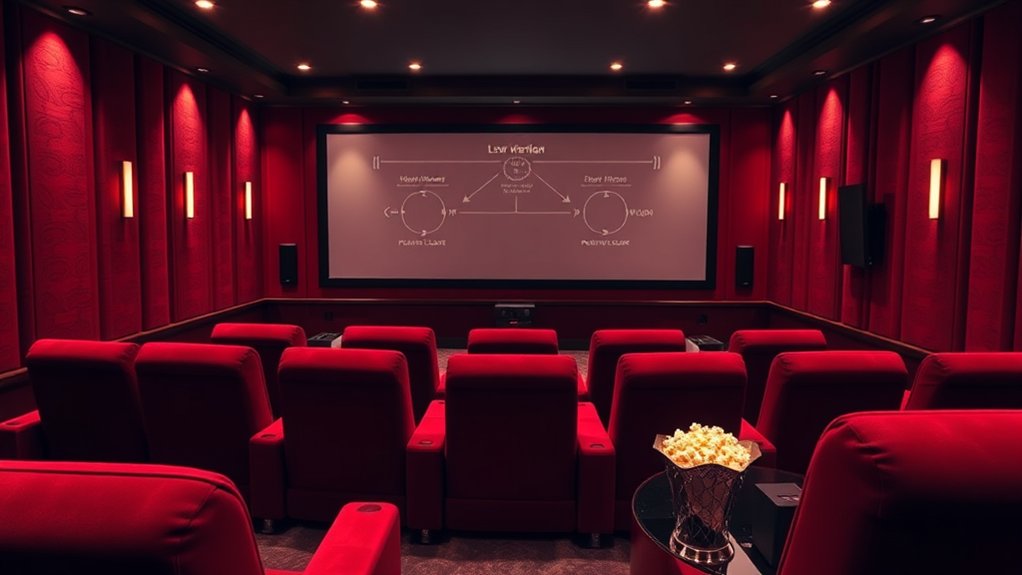
As you might envision a home theater as a simple arrangement of seats and a screen, adjusting for multiple seating rows can make a world of difference in keeping everyone fully engaged in the cinematic experience.
To optimize distances, calculate that the first row sits about twice the screen’s width away, and the last one should be no more than five times that width. For example, with a 55-inch screen, place the first row at least 9 feet back, during maintaining 4 to 7 feet between rows for legroom.
Raise rear rows to avoid obstructed views, ensuring comfort and line of sight, so nobody has to uncomfortably crane their neck to catch every thrilling moment. Who wants to miss that?
Importance of Direct Line of Sight
When the arrangement of your home theater takes shape, the importance of a direct line of sight becomes immediately apparent. A direct line of sight means you’ve got an unobstructed view from your seat to the screen, which is critical for enjoying your favorite movies or shows.
If you’ve ever tried watching television during craning your neck around a sofa or other furniture, you’ll know how distracting that can be! Good sight lines minimize the need to shift your position, ensuring comfort during long sessions and preventing visual fatigue.
Consider tiered seating or staggering seats, so no one’s head gets in the way. Remember, a well-planned setup optimizes your viewing experience, making it smooth, immersive, and enjoyable!
Enhancing Immersion With Proper Setup
To truly improve your home theater experience, it’s crucial to think about how the setup affects immersion—after all, who wants to feel like they’re watching a movie from another room?
Start by positioning your seating at the right distance: aim for 1.5 to 2 times the screen diagonal for 1080p, whereas for 4K, closer is better at 1 to 1.5 times.
Consider your viewing angle, too; keeping it around 30° helps prevent eye strain and makes every heart-pounding scene more engaging.
Oh, and don’t forget to place your screen at eye level, so neck strain doesn’t distract you from the action.
With a little attention to detail, you can create an immersive environment that brings the magic of cinema right into your living room! Additionally, investing in high-quality speakers like the Klipsch RP-600M II can significantly enhance the overall audio experience in your home theater.
Frequently Asked Questions
What Screen Size Is Best for a Small Room?
For a small room, screens between 100 and 115 inches can work well if planned correctly. Trust your judgment on size during ensuring it’s compatible with your projector and viewing distance for ideal comfort.
How Does Lighting Affect Viewing Experience?
Lighting greatly affects your viewing experience. Excessive brightness can hinder image quality, whereas balanced ambient light improves comfort. Adjusting brightness and using indirect lighting helps create an immersive environment, making movie nights more enjoyable for you.
Is Sound Quality Influenced by Seating Distance?
Yes, sound quality is influenced by seating distance. If you sit too close or far, you may distort clarity and balance. Proper positioning helps create that sweet spot where audio feels immersive and cohesive.
Can I Use a Curved Screen for Better Immersion?
Yes, you can use a curved screen for better immersion. It wraps around your field of vision, providing depth and enhancing engagement, especially during action scenes and panoramic visuals, making your viewing experience more intense and enjoyable.
What Type of Seating Is Best for Long Viewing Sessions?
For long viewing sessions, opt for ergonomic seating with adjustable lumbar support and reclining features. This design promotes comfort, aids circulation, and helps maintain posture, ensuring you can enjoy movies without discomfort during extended periods.